
How to request a Not For Resale subscription from the business partner portal
How to request an NFR?
-
Go to connect.redhat.com
-
Click on Log in
-
Click on Log in for business partners
-
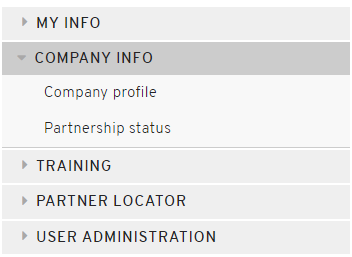
Click on Company Info (left side of the screen)
-
Click on Company Profile
-
Scroll Down to ‘New NFR'
-
Click on New NFR

-
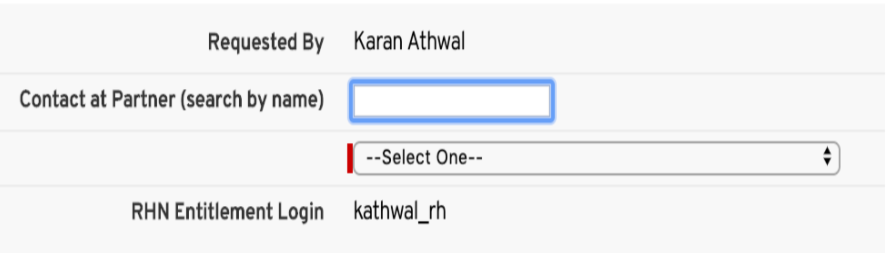
Select contact that will receive the NFR
- By typing the name in the search field
- Select the correct person from the drop-down.
- The RHN login that is populated will be your own login
-
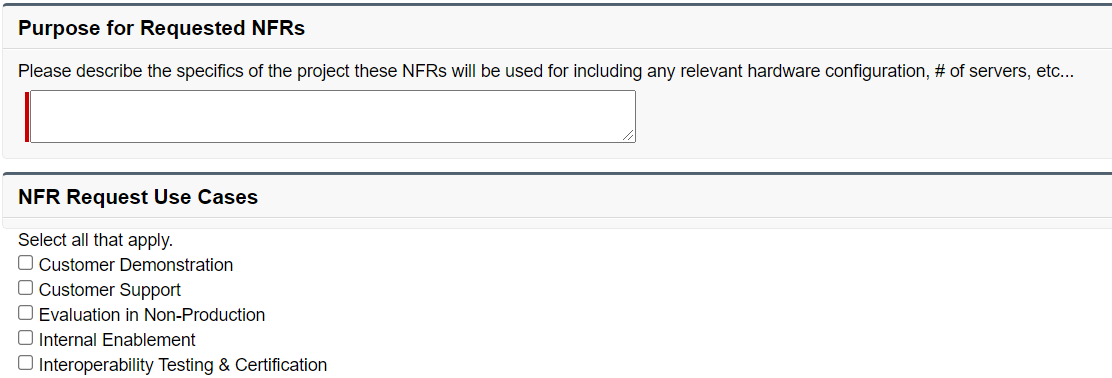
Describe the specifics of the project ahead
-
Select the NFR use case(s)
-
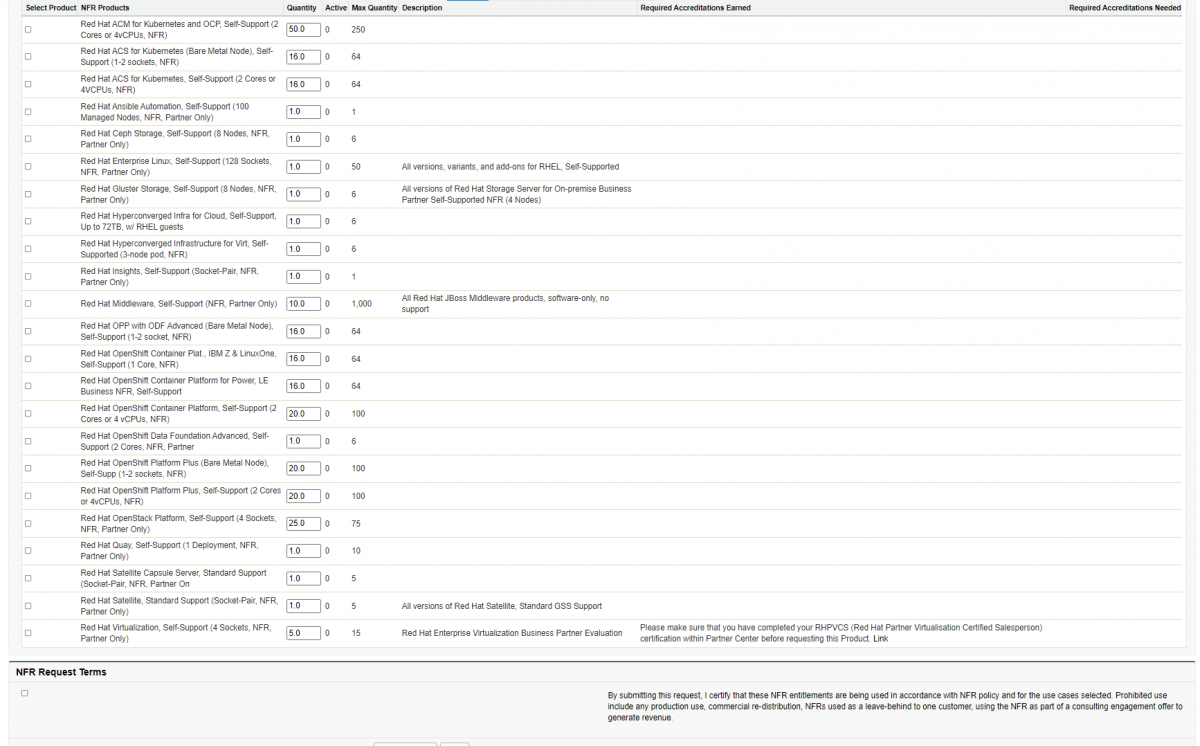
As the last step select the number of NFR’s and the quantity. The ‘active’ column shows the already in use NFR’s. The ‘max’ shows the maximum number of NFR aloud on the account. Depending on partnership type and level partners are entitled to different amounts and supported vs unsupported NFR’s.
-
Accept NFR request terms
-
Click 'save and submit'
Note: This article is for requesting new NFRs only. Visit How to renew a Not For Resale subscription from the business partner portal to renew existing NFRs.

Comments