
How to enable the new User Interface for Ansible Automation platform 2.4 ?
Environment
- Red Hat® Ansible Automation Platform 2.4
Issue
- How do I enable new user Web interface for Automation platform 2.4 ?
Resolution
-
Navigate to AAP UI -> Settings -> System -> Miscellaneous System settings -> Edit -> Enable Preview of New User Interface -> Save
-
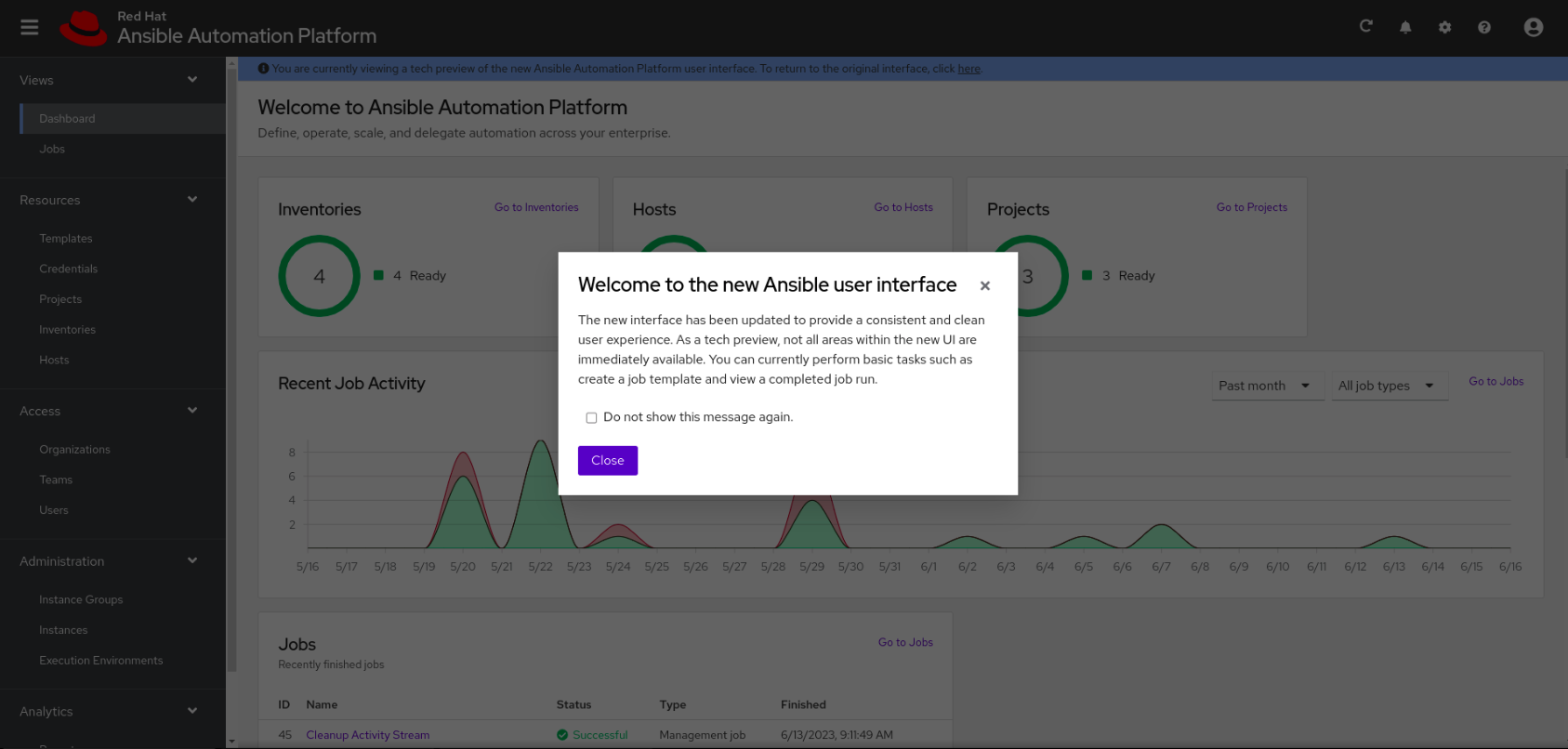
Next, Navigate to Views -> dashboard -> Select the here button prompted at the top of Dashboard page in the line "A tech preview of the new Ansible Automation Platform user interface can be found here"
-
Here is how the new User Interface look like:
This solution is part of Red Hat’s fast-track publication program, providing a huge library of solutions that Red Hat engineers have created while supporting our customers. To give you the knowledge you need the instant it becomes available, these articles may be presented in a raw and unedited form.

Comments