
Unable to add printer in CUPS with "Unauthorized" error in Web browser
Issue
-
We are trying to add a printer using the CUPS Web user interface, but we get the following error in the browser:
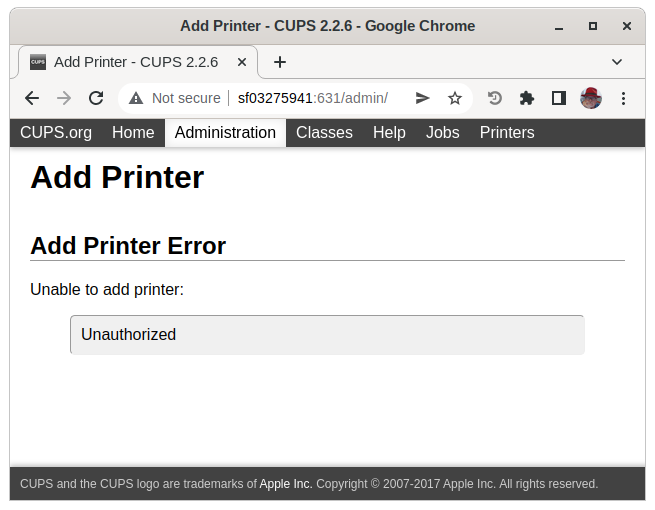
Unauthorized Error and the CUPS error log contains:
E [27/Jul/2022:09:57:12 +0800] [CGI] CUPS-Get-Devices request failed with status 1000: Unauthorized -
I can get into the CUPS site to see added devices, but cannot do anything within the site. I am getting "Unauthorized" errors when working in CUPS that I wasn't when first installed even logged in as root.
Environment
- Red Hat Enterprise Linux (RHEL) 7, 8, 9
- Common Unix Printing System (CUPS) 1.6.3, 2.2.6, 2.3.3op2
Subscriber exclusive content
A Red Hat subscription provides unlimited access to our knowledgebase, tools, and much more.
