
[StackRox] Troubleshooting “No data available. Please ensure your cluster is properly configured.” message in RHACS (StackRox) Central UI Dashboards.
Issue
-
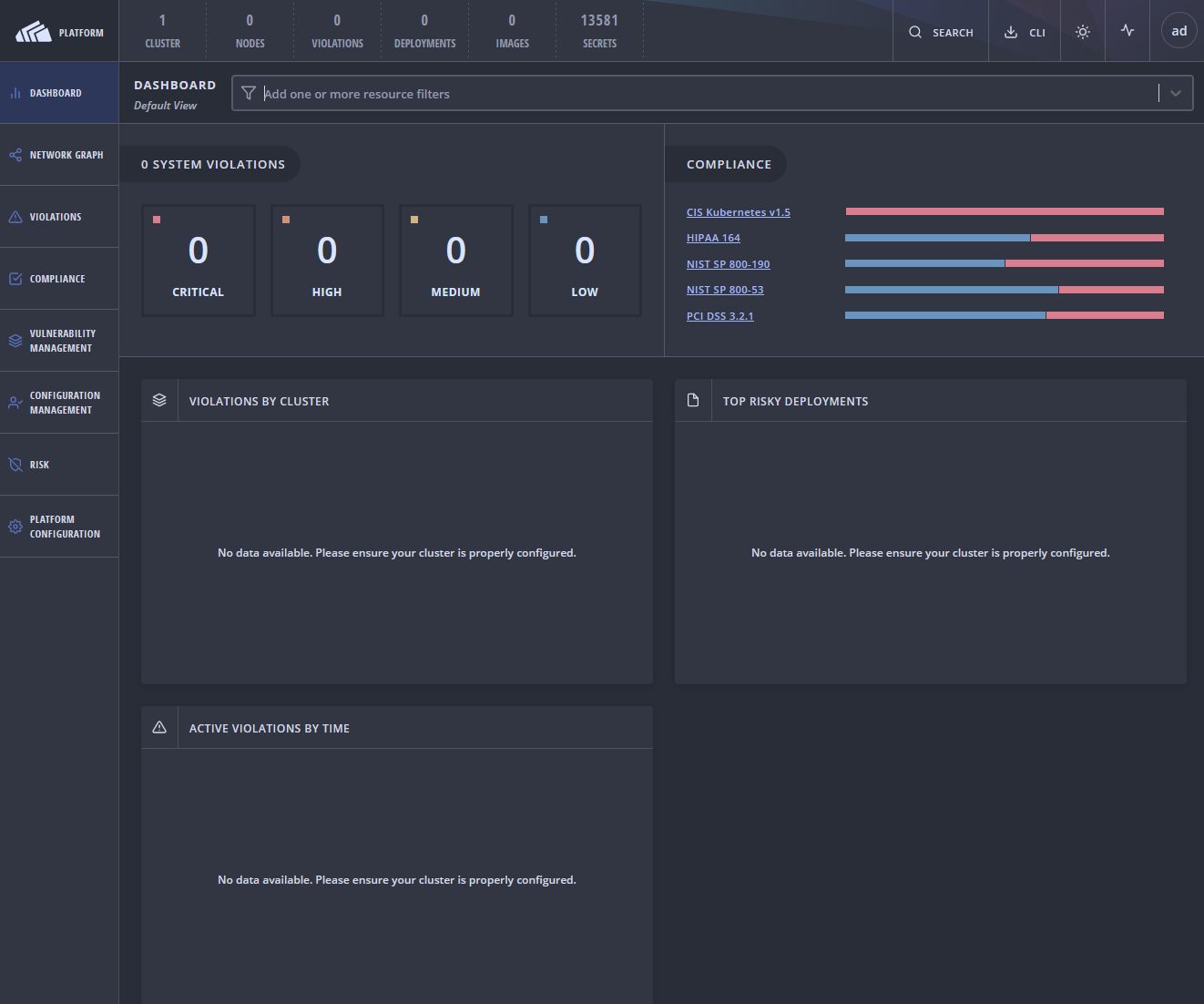
When accessing the Central UI, the Dashboard view initially does not show data in the Violations By Cluster and Top Risky Deployments sections. The data does eventually load after some time, but improving the performance of getting the data is preferred.
-
The error messages in the dashboard will look like the following below;
No data available. Please ensure your cluster is properly configured.
- Below is a screenshot of what the error message will look like in the browser;
Environment
- StackRox Version - 3.0.52.0 or earlier.
- Orchestrator - Kubernetes
- Node Operating System - Flatcar Container Linux
Subscriber exclusive content
A Red Hat subscription provides unlimited access to our knowledgebase, tools, and much more.
