
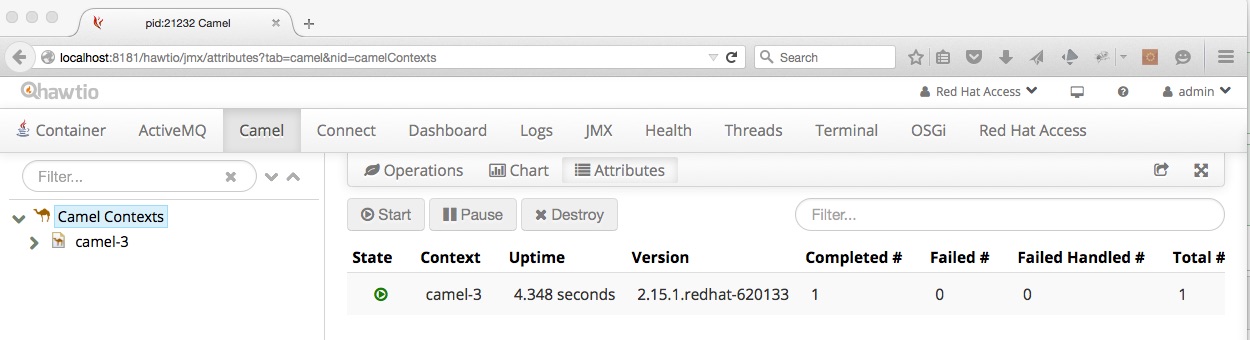
Camel tab not showing in hawtio.
Environment
- JBoss Fuse 6.2.0
Issue
We are starting a new instance of JBoss Fuse and connect to its web console (hawtio).
However the Camel tab is not shown in the web console. What is needed to see the Camel tab in hawtio?
Resolution
The Camel tab in hawtio will only be displayed if you have Camel routes deployed to the JBoss Fuse container.
If there are no Camel routes deployed, the tab is removed from the browser page.
If you deploy a new route while hawtio is already running in your browser, you may need to refresh the browser page for the Camel tab to appear. The same applies to other tabs such as the ActiveMQ tab.
This solution is part of Red Hat’s fast-track publication program, providing a huge library of solutions that Red Hat engineers have created while supporting our customers. To give you the knowledge you need the instant it becomes available, these articles may be presented in a raw and unedited form.

Comments