
Not able to download the paper certificate from Customer Portal.
Environment
- Customer Portal
Issue
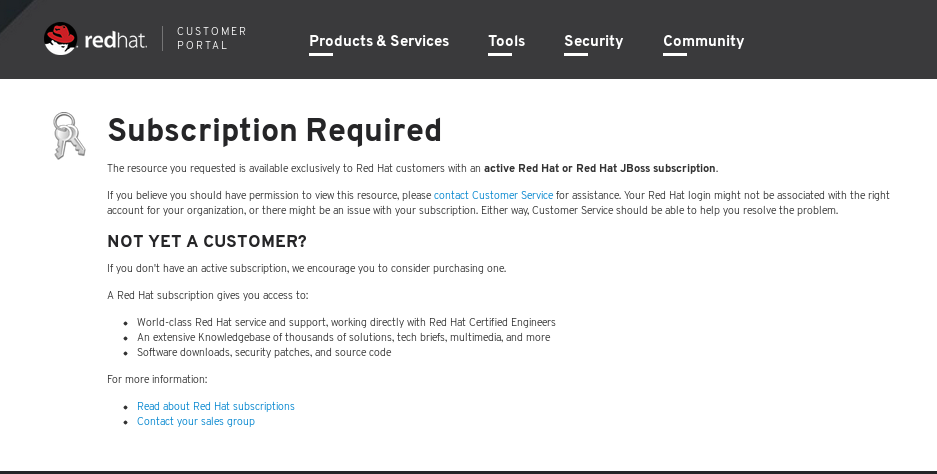
- Not able to download the paper certificate from Customer Portal fails with message as seen below :
Resolution
-
In order to download the paper certificate user must have View/Renew Subscription Information check box checked.
- Here are the steps in order to do this.
- Go to http://www.redhat.com/wapps/ugc and login as 'your-redhat-username'
- Once logged in please click User Management
- Click the link next to the gear icon that says Edit - 'your-redhat-username'
- On the next page click the tab that says Access Permissions
- In the access permissions tab make sure there is a 'check' next to View/Renew Subscription Information and click save.
Root Cause
- View/Renew Subscription Information check box was unchecked.
This solution is part of Red Hat’s fast-track publication program, providing a huge library of solutions that Red Hat engineers have created while supporting our customers. To give you the knowledge you need the instant it becomes available, these articles may be presented in a raw and unedited form.

Comments